LVGL
v9.4.0Features
-
Hardware-independent C library with no external dependencies for maximum portability.
-
Low resource footprint requiring as little as 32kB RAM and 128kB Flash.
-
Support for monochrome, ePaper, OLED, and TFT displays of any resolution.
-
Over 30 built-in widgets including buttons, charts, keyboards, and sliders.
-
Advanced styling system with approximately 100 customizable properties for states and parts.
-
Responsive layout engines based on CSS Flexbox and Grid standards.
-
Full UTF-8 support for internationalization, including CJK, Arabic, and Persian scripts.
-
Integrated data binding system (Observer pattern) to sync UI with application logic.
-
Advanced rendering capabilities including anti-aliasing, opacity, shadows, and image transformations.
-
Support for 3D rendering of glTF models via OpenGL integration.
-
Multi-display support for managing several screens simultaneously.
-
Compatibility with various input devices like touchpads, mice, encoders, and keyboards.
-
Built-in animation engine for smooth transitions and UI effects.
-
XML-based UI definition support via the LVGL Pro toolkit.
-
Integration with major RTOS environments like Zephyr, NuttX, and RT-Thread.
Architecture
LVGL follows a modular, object-oriented architecture implemented in C. The core of the library is built around the “Object” (lv_obj) abstraction, where every UI element is a widget inheriting base properties. The architecture is decoupled from hardware through a callback-based driver layer. Developers provide “flush” callbacks for display rendering and “read” callbacks for input devices, allowing LVGL to run on any display controller or input hardware without modification to the core library.
The rendering pipeline uses a partial buffering strategy to minimize RAM usage, where only changed areas of the screen are recalculated and drawn into a small draw buffer before being sent to the display. This allows for high-quality graphics even on memory-constrained MCUs. The library also includes a powerful style system that separates visual appearance from logic, and layout engines (Flexbox and Grid) that handle responsive positioning automatically.
Core Components
- Display Interface: Manages rendering buffers and coordinates with hardware-specific flush callbacks.
- Input Device Interface: Handles touch, mouse, keypad, and encoder inputs through a standardized event system.
- Widget Engine: A collection of 30+ UI components with hierarchical parent-child relationships.
- Style System: A CSS-like property system for customizing widget appearance across different states.
- Layout Engines: Flexbox and Grid implementations for responsive design and automatic positioning.
- Animation & Timer Engine: Manages time-based events, visual transitions, and internal task scheduling.
Use Cases
This library is ideal for:
- Industrial HMI: Creating robust control panels for factory machinery with charts and complex data visualization.
- Consumer Electronics: Building sleek interfaces for smart home appliances, thermostats, and wearable devices.
- Medical Devices: Developing high-reliability UIs for patient monitors and diagnostic equipment requiring clear, anti-aliased graphics.
- Automotive Dashboards: Implementing digital clusters and infotainment systems with smooth animations and multi-display support.
- IoT Gateways: Adding local configuration screens to headless devices using low-cost monochrome or OLED displays.
- Cross-platform Prototyping: Developing UI logic on a PC simulator (Windows/Linux/macOS) and deploying the same code to embedded hardware.
Getting Started
To integrate LVGL, developers typically add the source files to their project and provide a configuration file named lv_conf.h. The initialization process involves calling lv_init(), setting up a tick source via lv_tick_set_cb(), and registering display and input drivers. A display is created using lv_display_create(), where buffers and a flush callback are assigned. The main application loop must periodically call lv_timer_handler() to process UI tasks and animations. Detailed documentation, including over 100 examples and API references, is available at docs.lvgl.io.
Related Projects (21)
AIR32F103 Template Project
A comprehensive GCC-based development template for the AIR32F103, MH32F103A, and MH2103A series of microcontrollers. It provides a complete build system with support for FreeRTOS, LVGL, and uIP, including a specialized startup routine to unlock hidden internal RAM.
AWatch
AWatch is a retro-inspired smartwatch firmware for the ESP32-based TTGO T-Watch, featuring a user interface modeled after the Amiga Workbench 1.x. It leverages FreeRTOS for task management and integrates LVGL for its graphical interface, providing functionality such as countdown timers, MOD music playback, and speech synthesis.
Awesome Zephyr RTOS
A curated collection of high-quality resources, libraries, tools, and learning materials for the Zephyr RTOS ecosystem. It serves as a comprehensive directory for developers looking for official documentation, community-supported libraries, and hardware platforms compatible with Zephyr.
BBN M5Stack Tough Sailing Instruments
A comprehensive sailing instrument display and autopilot controller for the M5Stack Tough (ESP32). It integrates with SignalK, NMEA 0183, and Victron systems using the LVGL graphics library to provide real-time marine data visualization and vessel control.
BL602 GPIO Expander for Apache NuttX
A specialized GPIO expander driver for BL602 and BL604 microcontrollers running the Apache NuttX RTOS. It simplifies development by mapping physical pins directly to standard GPIO device paths and provides robust interrupt demultiplexing and pin-reuse validation.
ESP32 Composite Video Library
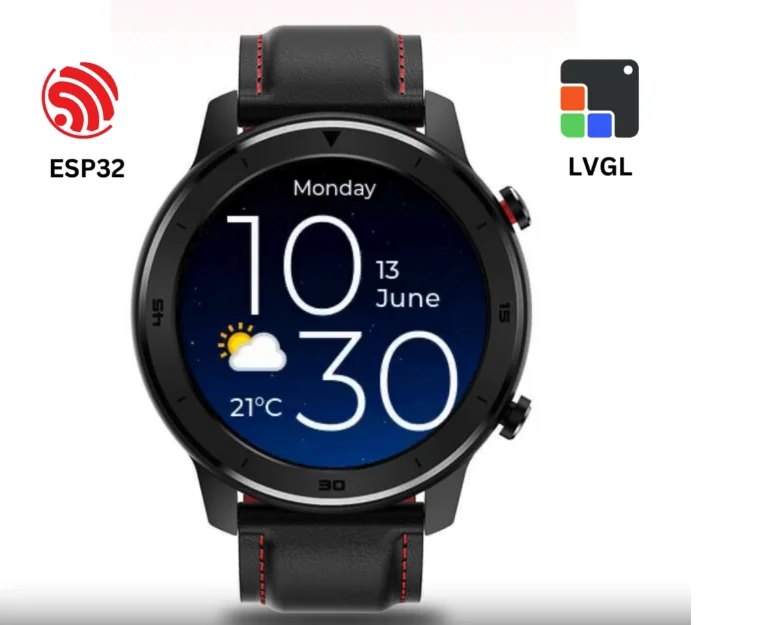
A specialized library for ESP32 that generates PAL, NTSC, and SECAM composite video signals using the internal DAC and I2S peripherals. It supports multiple resolutions and framebuffer formats, including direct integration with the LVGL graphics library for creating embedded GUIs without external video hardware.
ESP32 LVGL 8.x SDSPI Template
A comprehensive ESP-IDF project template for ESP32 and ESP32-S3 that integrates LVGL 8.x with the LovyanGFX display driver. It features a shared SPI bus for SD card storage and provides pre-configured setups for multiple hardware targets like the WT32-SC01 and FeatherS3.
ESP32 Offline OSM Maps
This project provides a workflow and demo for displaying offline OpenStreetMap (OSM) data on ESP32 microcontrollers using the LVGL graphics library. It includes a Python-based map converter to transform raster tiles into LVGL-compatible image formats, specifically targeting hardware like the TTGO-Camera Plus.
esp32-smartdisplay
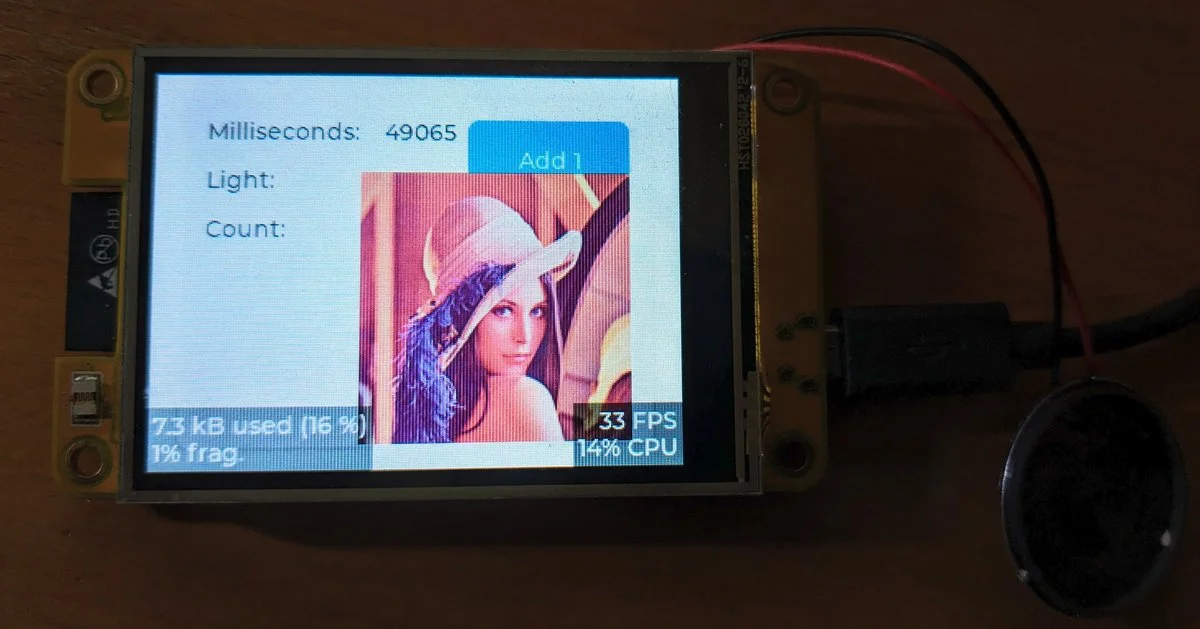
A specialized driver library for Sunton 'Cheap Yellow Display' (CYD) boards, providing a unified interface for LVGL 9. It leverages the Espressif esp_lcd component to support a wide range of ESP32, S3, and C3 based smart displays with integrated touch and peripheral control.
ESP32 ST7789V FT6236U Arduino LVGL Demo
A comprehensive demo project for ESP32 using the LVGL v8.3.4 graphics library, featuring support for the ST7789 display and FT6236 touch controller. It includes various UI examples such as music players, widgets, and performance benchmarks.
ESP32-TUX
ESP32-TUX is a comprehensive Touch UX template for ESP32 and ESP32-S3 microcontrollers, leveraging the LVGL graphics library and LovyanGFX driver. It provides a ready-to-use framework for building sophisticated HMI applications with features like Wi-Fi provisioning, OTA updates, and theme switching across various 3.5-inch display modules.
ESP32-Watch for OpenHaystack
An ESP32-based smartwatch project that integrates with Apple's Find My network using the OpenHaystack protocol. It features a graphical user interface built with LVGL and LovyanGFX, providing location tracking capabilities without the need for a GPS module by broadcasting via Bluetooth Low Energy (BLE).
Hynitron CST816S Touch Controller Driver for Apache NuttX
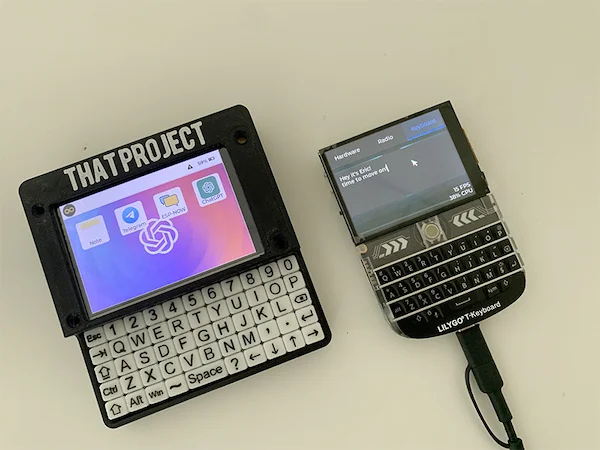
A specialized device driver for the Hynitron CST816S touch controller, integrated with the Apache NuttX RTOS. It provides support for I2C-based touch data retrieval and GPIO interrupt handling, primarily targeting the PineDio Stack BL604 and other RISC-V or ESP32 platforms.
LVGL Blog
The official blog repository for the LVGL (Light and Versatile Graphics Library) project, featuring technical articles, release notes, and hardware reviews. It serves as a community hub for sharing experiences, porting guides, and GUI development tips using LVGL on various embedded platforms.