MicroPython Waveshare e-Paper Drivers
A collection of MicroPython drivers for various Waveshare e-Paper displays, supporting a wide range of screen sizes and color configurations. The library provides an interface for controlling these displays using SPI or UART on MicroPython-compatible hardware, including support for partial and full refreshes.
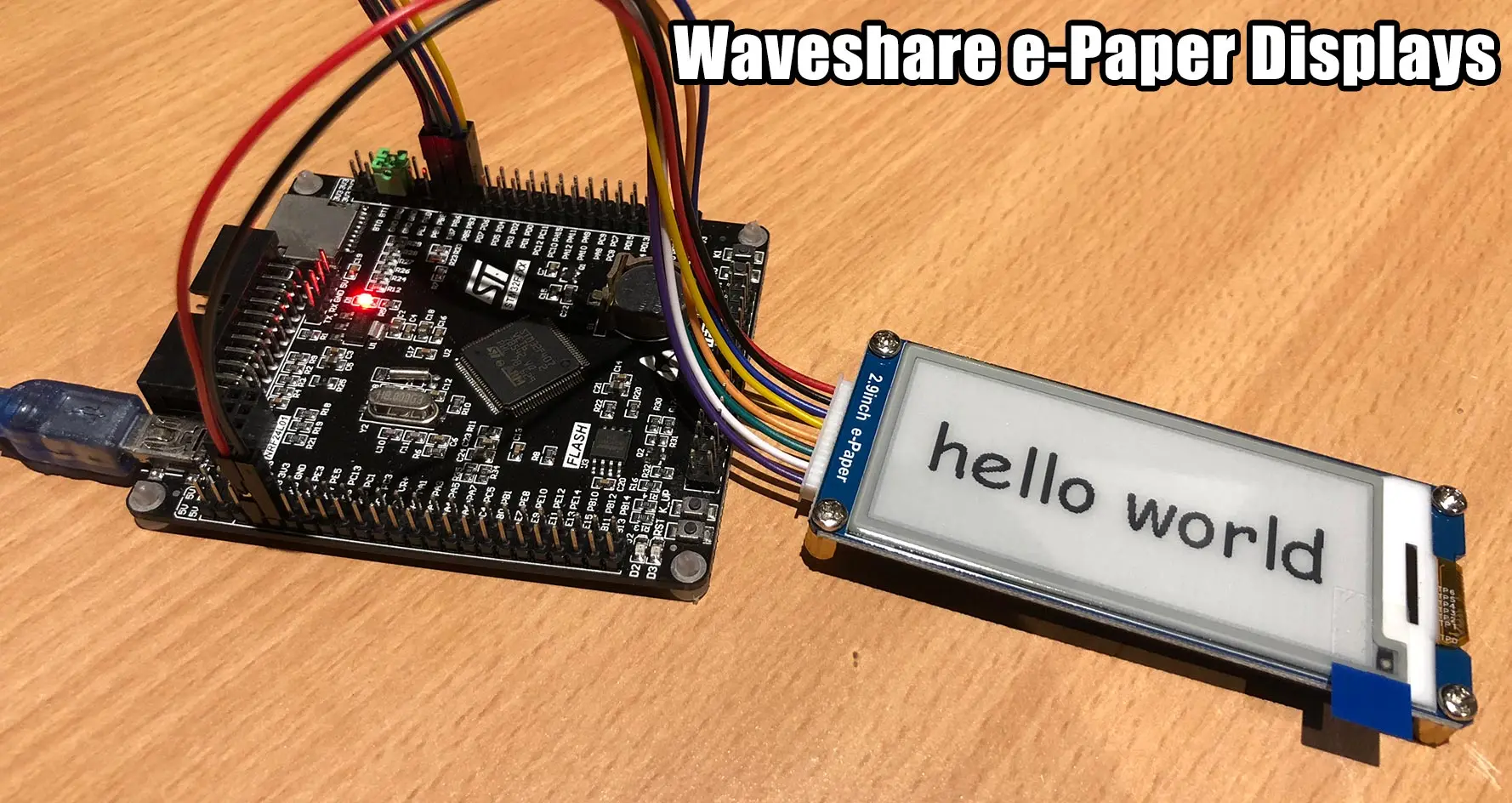
The MicroPython Waveshare e-Paper project provides a comprehensive suite of drivers for the popular Waveshare e-Ink display modules. Based on the original Raspberry Pi examples provided by Waveshare, this repository enables MicroPython developers to easily integrate low-power, high-contrast displays into their embedded projects.
Extensive Hardware Support
One of the primary strengths of this library is its broad compatibility. It supports a wide array of Waveshare modules, ranging from the compact 1.54-inch display to the large 7.5-inch HATs. The drivers cover various color configurations, including standard Black and White, as well as three-color variants (Black, White, and Red or Yellow).
Supported modules include:
- 1.54-inch (B/W, B/W/R, B/W/Y)
- 2.13-inch HAT (B/W, B/W/R, B/W/Y)
- 2.7-inch HAT (B/W, B/W/R)
- 2.9-inch (B/W, B/W/R, B/W/Y)
- 4.2-inch (B/W, B/W/R, B/W/Y)
- 4.3-inch UART Module
- 5.83-inch HAT (B/W, B/W/R, B/W/Y)
- 7.5-inch HAT (B/W, B/W/R, B/W/Y)
Technical Implementation
The drivers are written in pure MicroPython, utilizing the machine.SPI and machine.Pin classes for hardware communication. Most modules interface via SPI, while the 4.3-inch variant uses UART.
A key feature of these drivers is their integration with MicroPython’s built-in framebuf module. This allows developers to use standard drawing primitives like lines, rectangles, and text, which are then pushed to the display’s RAM. For displays that support it, the library also implements partial refresh capabilities, allowing for fast updates (as low as 0.3 seconds) without the jarring full-screen flicker typical of e-Paper technology.
Usage Example
The API is designed to be consistent across different display sizes. Here is a basic example of how to initialize and clear a 1.54-inch display:
from machine import Pin, SPI
import epaper1in54

# Initialize SPI and Pins
spi = SPI(1, baudrate=2000000, polarity=0, phase=0)
cs = Pin(15)
dc = Pin(4)
rst = Pin(2)
busy = Pin(5)

# Create display instance
e = epaper1in54.EPD(spi, cs, dc, rst, busy)
e.init()

# Clear the display
e.clear_frame_memory(0xFF)
e.display_frame()
Advanced Features
Beyond simple image display, the library handles complex tasks such as Look-Up Table (LUT) management for different update modes (full vs. partial). It also manages power states, providing a sleep() method to put the display into a deep sleep mode, which is crucial for battery-powered IoT devices where power consumption must be minimized between updates.
The project serves as a bridge between Waveshare’s hardware and the MicroPython ecosystem, making it an essential tool for developers building e-readers, weather stations, or low-power dashboards.